
1019 Get to know your Windows 10/11 computer (Free, Funded, F2F, Havant, LPL)
Date: 02/11/2022
Time: 14:00 - 17:00
Price: Free
Location:
Leigh Park Library - Hunter Room
50 Park Parade
Havant
PO9 5AB
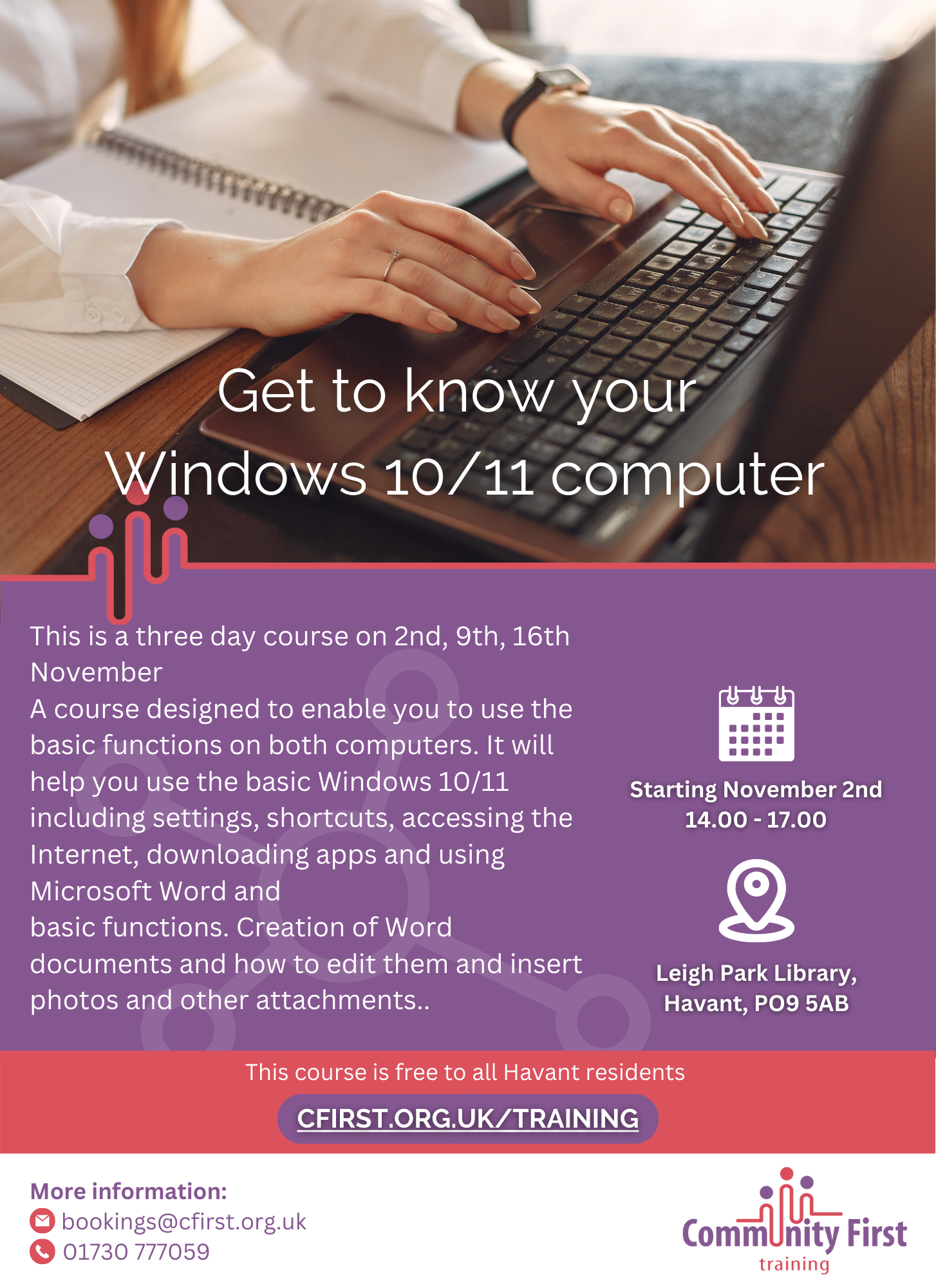
This is a three day course on 2nd, 9th, 16th November
A course designed to enable you to use the basic functions on both computers. It will help you use the basic Windows 10/11 including settings, shortcuts, accessing the Internet, downloading apps and using Microsoft Word and
basic functions. Creation of Word documents and how to edit them and insert photos and other attachments.
By the end of the course learners will be able to:
1. Find all basic programs using a Windows computer
2. Create three different shortcuts on Windows 10
3. How to find Settings and find basic settings
4. How to open a basic Internet browser and do an Internet search.
5. How to log into an email account and open email.
6. Open Microsoft Word and open a new document
7. Type a basic document using basic formatting such as bold, italic underline, font size and type
8. Add a table or a photo into a Word document.
9. State what the Insert tab is and what it contains
10. Save and find a document in File Explorer.
You will be required to bring your own laptop with Windows 10 or 11 (please contact us if you are unable to do this and we will see if we can help)